
04IT & security
Microsoft 365 Business.
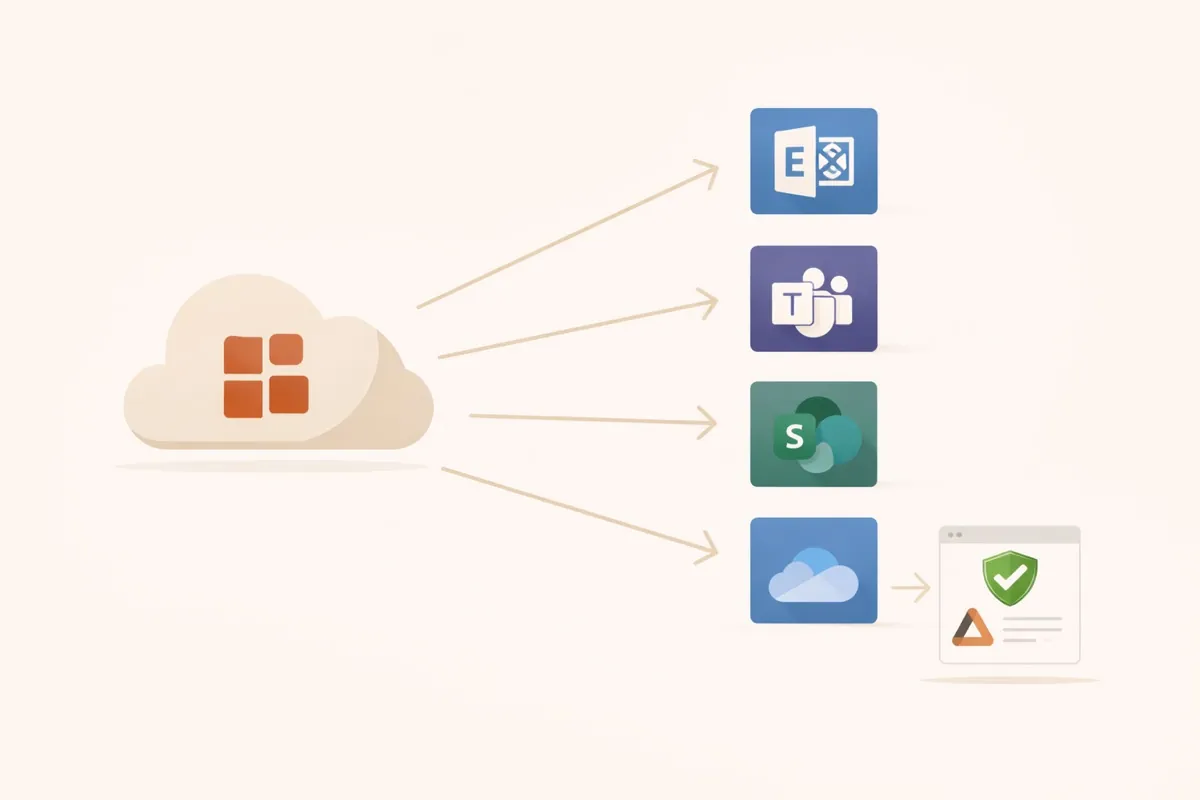
Exchange Online, Teams, SharePoint, Intune and Entra ID, set up, secured and continuously managed. So that email, files and devices are managed in one place.
Potential
More than email and Word
Most companies use only Outlook and Office from Microsoft 365. Set up properly, it also handles file storage, collaboration, device management and security, without you needing technical knowledge.
Security
Secure once it is configured
Multi-factor authentication, Conditional Access, anti-phishing for Exchange and Intune for devices: all of that is included in Business Premium, but none of it is active out of the box.
Services
From licensing to daily support
Exchange Online
Email in the cloud, secured with SPF, DKIM and DMARC so that your emails arrive and nobody spoofs your address.
Microsoft Teams
Chat, meetings and shared file editing, with a structure that is still clear after a year.
SharePoint & OneDrive
Central document storage, versioned, with permissions and reachable from anywhere.
Intune (MDM)
All company devices (Windows, macOS, iOS, Android) managed centrally from the cloud.
Entra ID
Identity management with single sign-on and multi-factor authentication.
Migration & onboarding
Switch to Microsoft 365 including email and data migration as well as training.
In practice
What Microsoft 365 delivers day to day
Order
All documents centrally in SharePoint. No more “quote_final_v3” as an email attachment.
Efficiency
Teams bundles chat, telephony and collaboration. Fewer tools, less switching between windows.
Scalability
With Intune, new staff are ready to work in minutes: switch on the device, sign in, get going.
FAQ
Frequently asked questions
Which Microsoft 365 plan do we need?
What is Intune?
Can emails be migrated from other systems?
How secure is Microsoft 365?
Related services
Also relevant
Contact
Set up Microsoft 365 properly.
New setup, migration or an existing tenant that needs tidying up: in an initial consultation we look at what is missing in your case.
- Phone
- Reply
- Usually within 24 hours