
03Apps
Apps for iPhone, iPad, Mac and Android.
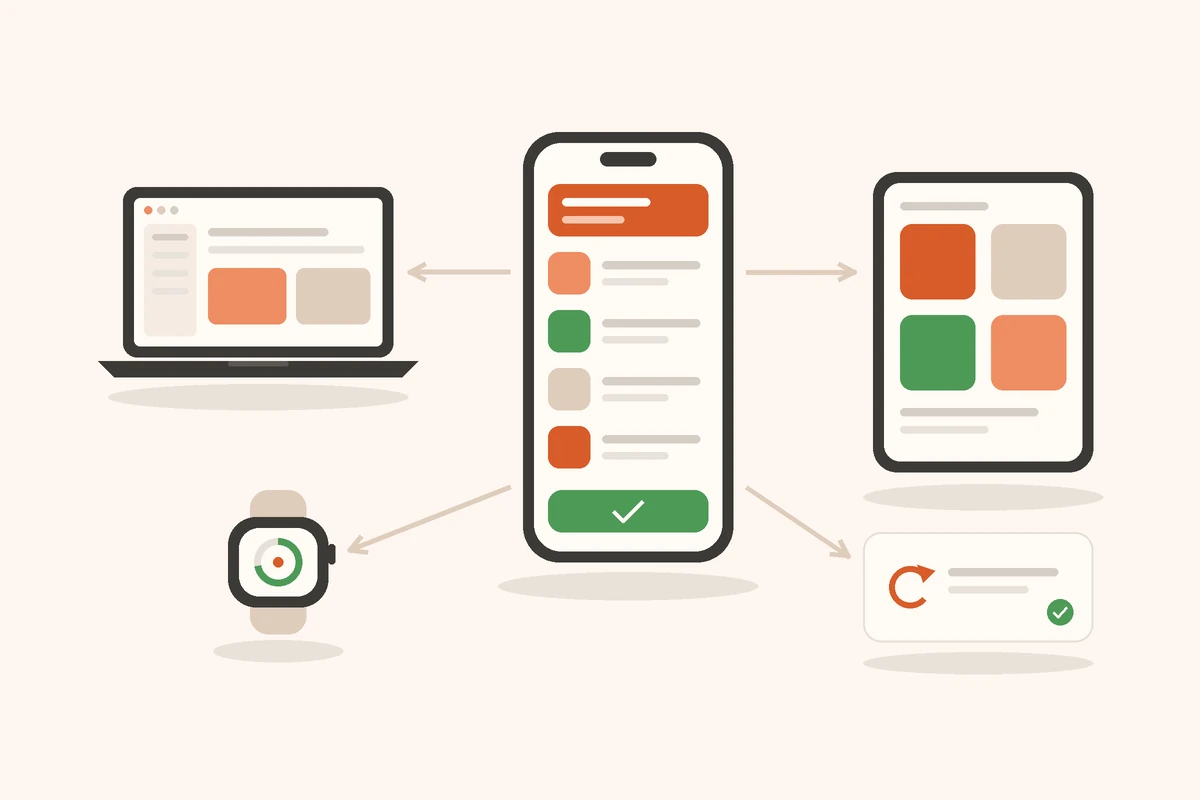
An app for your team or for your customers in the App Store: I develop for all Apple platforms and for Android, connect the app to your shop, inventory system or Microsoft 365 and take care of publishing and updates.
Starting point
When an app is worth it
An app pays off when it is used every day, has to work without a connection or uses the device itself: camera, scanner, location, notifications, Bluetooth. For much else a good website is enough. I clarify this with you before anything gets built.
My approach
Start small, get onto devices early
I start with the feature that brings the most benefit and put it on your team's devices as a test version. For Apple I develop natively with Swift and SwiftUI, so the app feels like the system it runs on and keeps pace with new system versions.
Services
Platforms and services
iPhone and iPad
Apps for your customers or your team: ordering, booking appointments, loyalty cards, recording stock in the warehouse or on the road. With notifications, widgets and shortcuts, and working offline where needed.
Mac
Tools for the workplace: menu bar apps, window apps and small helpers for recurring tasks, distributed through the Mac App Store or directly.
Apple Watch, Apple TV and Vision Pro
Extensions where they serve a purpose: reminders and quick input on the wrist, displays in the shop or meeting room, spatial product views on Vision Pro.
Android
The same app for Android smartphones and tablets, so nobody in your team or among your customers is left out. Published on Google Play or distributed directly to company devices.
Connection to your systems
The app works with the data you already have: shop, inventory system, ERP, Microsoft 365 or your own interface. Your team signs in with its existing accounts.
In-house apps for your team
Apps for employees only, without a public App Store listing: distributed through TestFlight, as a custom app via Apple Business or through your device management.
App Store and upkeep
Developer account, privacy details, screenshots and review by Apple and Google. After that, updates for new system versions, bug fixes and new features.
Process
How a project runs
01
Check the idea
What should the app do, for whom and on which devices? And does it really need an app?
02
Prototype
A clickable draft or a first version on your devices, before the larger part of the budget is spent.
03
Development
In short steps with test versions via TestFlight and Google Play, so you can have your say early.
04
Release and upkeep
Review by Apple and Google, release, then updates for new system versions.
FAQ
Frequently asked questions
Does my business need an app, or is a website enough?
Do you develop natively or cross-platform?
Can an app be for our team only?
What does an app cost?
What happens after the release?
Related services
Also relevant
Contact
Which app does your business need?
Briefly describe your idea and the devices it should run on. You will get an assessment of whether an app is worth it and what the first step looks like.
- Phone
- Reply
- Usually within 24 hours. Your details stay with me.